
Docs / Your workspace · Everyone
Inbox & notifications
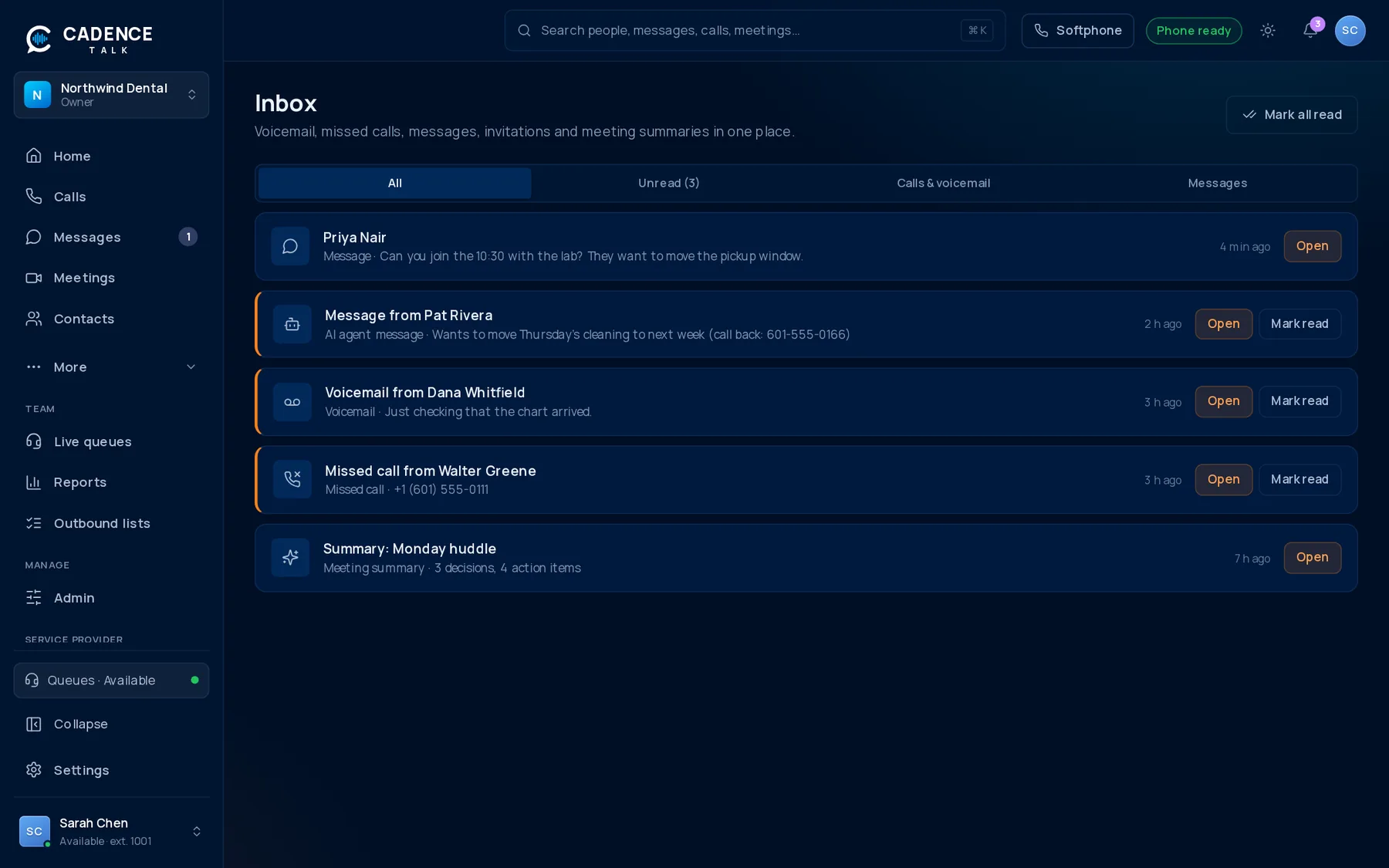
Missed calls, voicemails, mentions, meeting invitations and summaries, and messages taken by your AI agents all land here.
1The bell
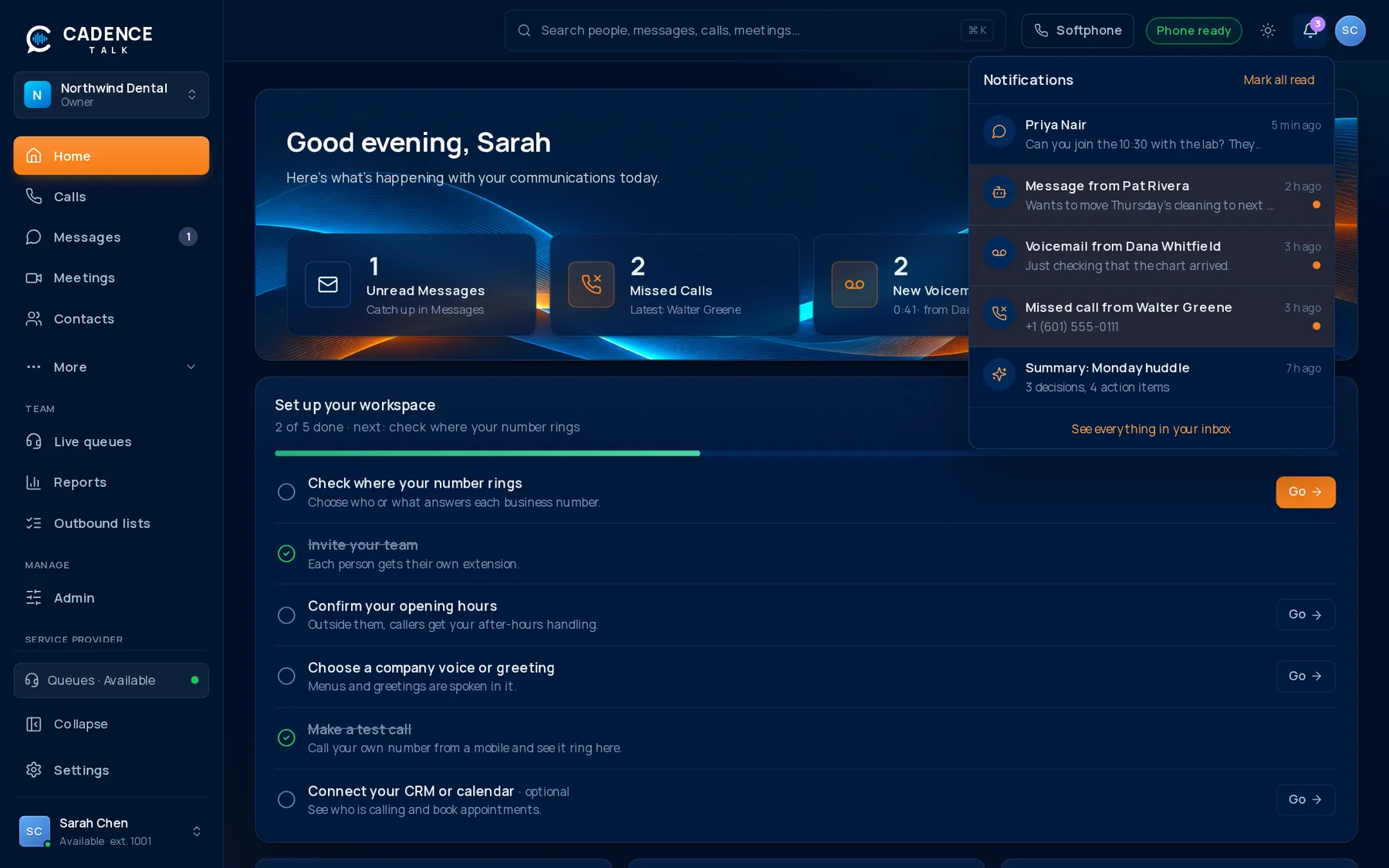
The bell in the top bar shows how many things are waiting. Open it to see the latest, and click one to go straight to it. They appear the moment they happen.
2What notifies you
| You get a notification for | Opens |
|---|---|
| A new voicemail | Voicemail, with the transcript |
| A missed call | Calls |
| A message (one per conversation, not one per reply) | The conversation |
| A meeting invitation | The meeting |
| A meeting summary when notes are ready | The meeting notes |
| A message taken by an AI agent | AI Agents |
3The Inbox page
- See everything in one list, newest first.
- Mark items read, or unread to come back to them.
- Click an item to jump to it.