
Docs / Talk & collaborate · Everyone
Home
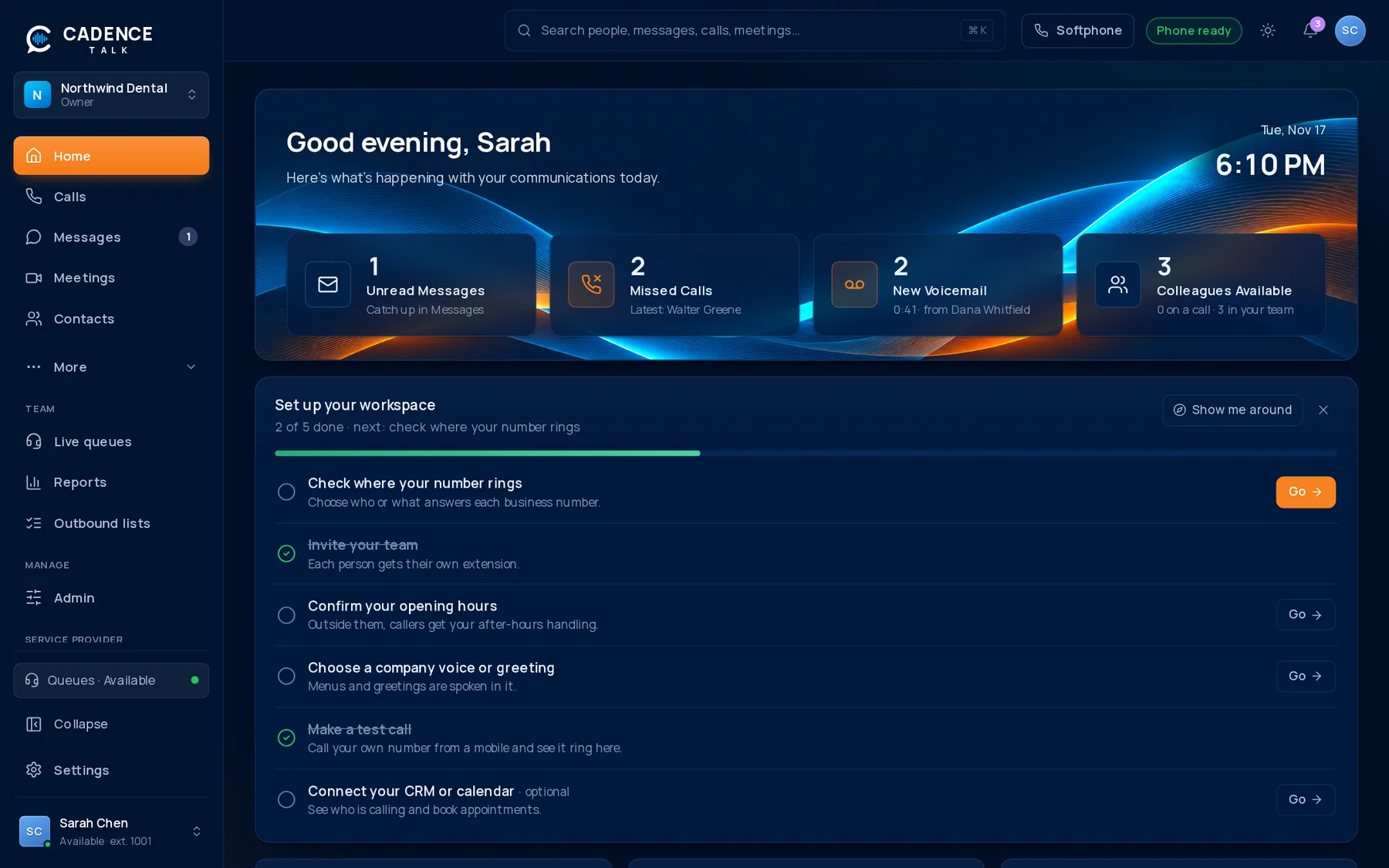
Home is where Cadence Talk opens. It gathers the things that need your attention so you never have to hunt for them.
1What you see
0Calls today
0Unread voicemails
0Service level
0Meetings this week
The top of the page greets you and shows your status. Below it are your recent calls, your team with who is available right now, and upcoming meetings. Everything refreshes by itself, so a missed call or a new voicemail appears the moment it happens.
- Click any recent call to open its details: the AI summary, transcript and your notes.
- Click a teammate to call, message or start a meeting with them.
- Click an upcoming meeting to open it, or join when it is time.
2Call summaries on Home
When your admin has turned on AI call summaries, answered calls show a short overview and a list of action items. Open one from Home to read the whole thing without playing a recording.
Summaries are off until a workspace admin turns them on. See AI call summaries.